Skip to content

Cart

Your cart is empty

Continue shopping
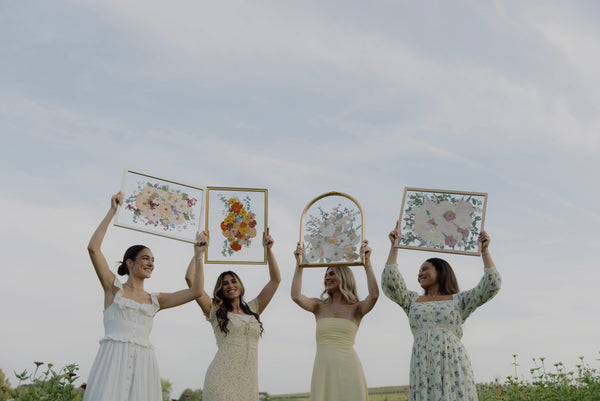
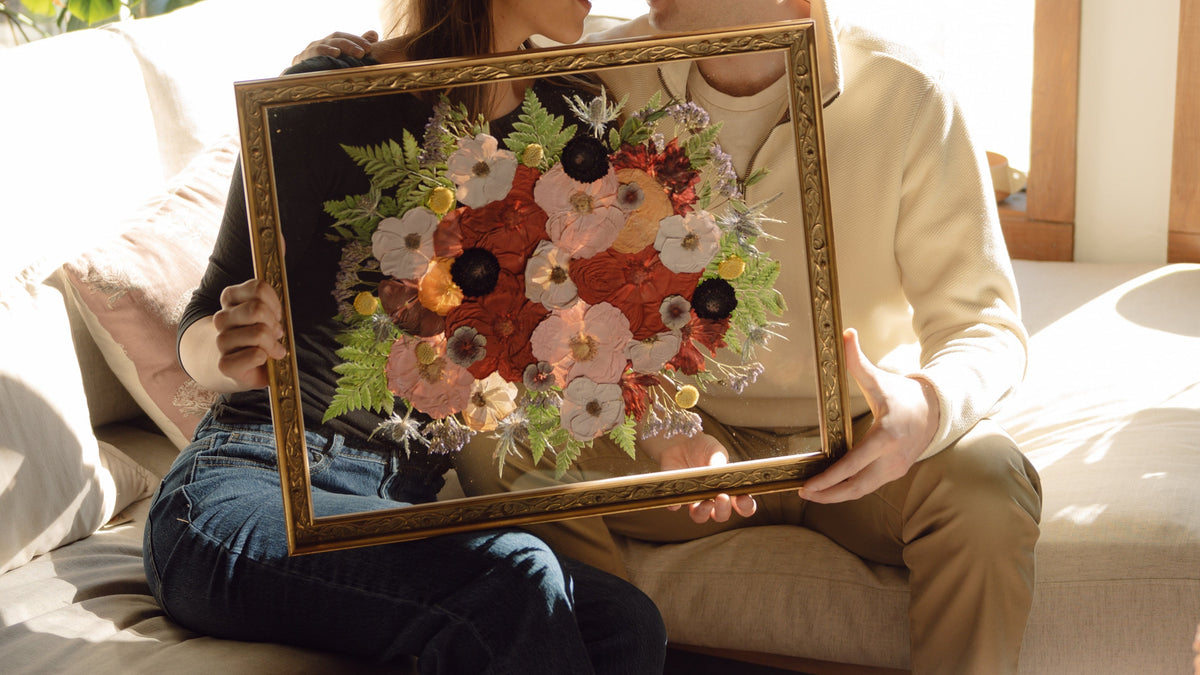
Person holding a framed floral painting outdoors

A Gift That Lasts Forever

Your wedding flowers shouldn’t be a ten-day memory. Add Hudson Stems to your registry, and the people you love most can help turn your bouquet into the kind of heirloom you’ll quietly notice on your wall every morning — for the rest of your life.

How to Add Hudson Stems to Your Wedding Registry

The short version:on your registry platform, use the “add a gift from any store” option and point it to our gift card page. That’s it. Detailed, platform-by-platform walkthroughs are below.

The Knot

  1. From your registry dashboard, open the Overview tab and find the Add Anything From Anywhere section.
  2. Drag the Add to The Knot button into your browser’s bookmarks bar.
  3. Head to our Hudson Stems gift card, pick the amount you’d like your guests to contribute, and click the bookmark button you just saved.
  4. Follow The Knot’s prompts to confirm and publish it on your registry.

Zola

  1. On your Zola registry, go to Add Gifts and select the Install Zola Button option — this adds a small extension to your browser.
  2. Open our gift card page and choose your amount.
  3. Click the Zola button in your browser and follow the prompts to pin the gift card to your registry.

MyRegistry

  1. Sign in to your MyRegistry account and install their browser button — you’ll find it under Add the MyRegistry.com Button.
  2. Visit our gift card page and select an amount.
  3. Click the MyRegistry button in your browser and confirm to add it to your list.

Joy (withjoy.com)

1. Open our gift card page and copy the full URL.

2. On your Joy registry, choose Add a gift from another store.

3. Paste the URL, adjust the name and amount if you’d like, and save.

Over the Moon & Everywhere Else

Nearly every modern registry platform supports adding a gift from an outside store — usually a button called “add from any website” or similar. Copy the URL of our gift card page, drop it in, and you’re set. If your platform isn’t listed here and you’d like a hand, text us at845-202-0566and we’ll walk you through it.

We're here to help

Registry Questions

Why a gift card instead of a product listing?

Every Hudson Stems piece is made to order. Size, frame color, flower layout, add-ons like a ring holder or keepsake drawer — none of it is decided until we’re designing with you. A gift card means your guests contribute toward your piece, not a standardized product.

How do I use a gift card once someone gives me one?

Enter the code emailed at checkout when you book your frame. You’ll go through the full design process as usual — selecting your frame, size, color correction preference, and any add-ons — and the gift card balance applies to your total.

What if the gift cards don’t cover the full cost of my frame?

You’ll just pay the remaining balance at checkout. No extra steps, no separate invoice — the cards and any card-on-file work together in a single transaction.

Will you still preserve my bouquet if my date is fully booked by the time a gift card comes through?

Yes. Gift card recipients are always given a space — we plan our calendar with room to honor them, so your blooms receive the same craftsmanship, mockup review, and color correction every Hudson Stems client gets.

Do you ship kits to brides outside of New York?

We preserve bouquets from all over the country. Once you book, we’ll walk you through your shipping options — from a full prepaid kit to a next-day label — based on how close you are to your wedding.

Have a Question We Didn’t Cover?

Call or text us at 845-202-0566 — we’re happy to help you or a guest figure out the fastest way to add Hudson Stems to your registry.

Shop gift cards